THATGUYABHISHEK
navigation

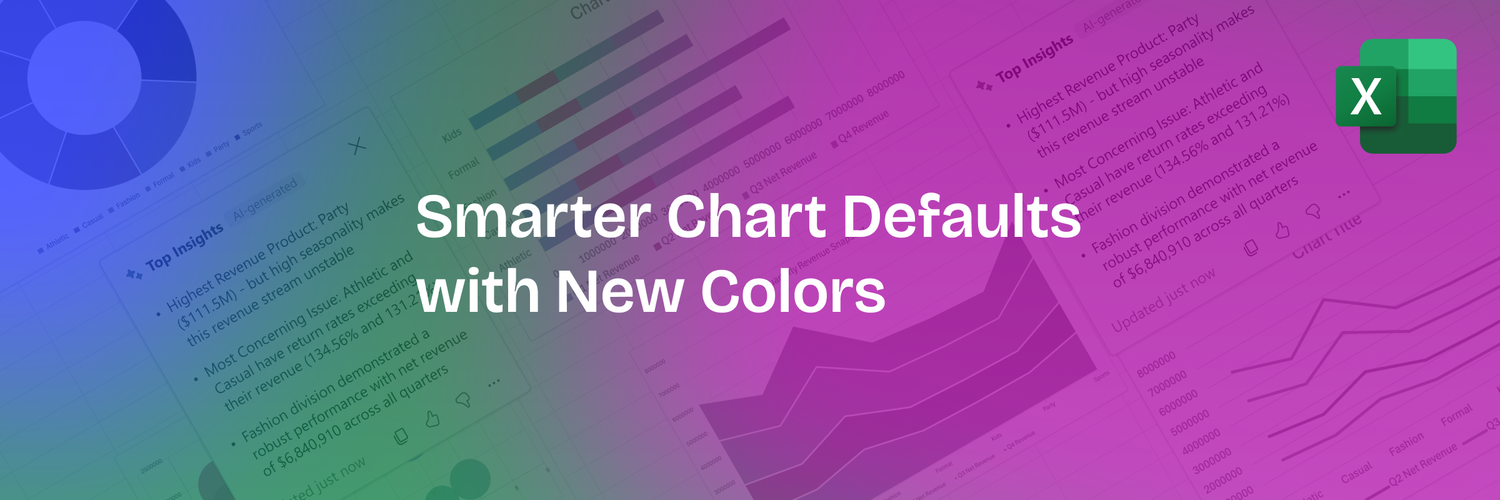
Smarter Chart Defaults: The Modern Colors Revolution

notion image

Introduction

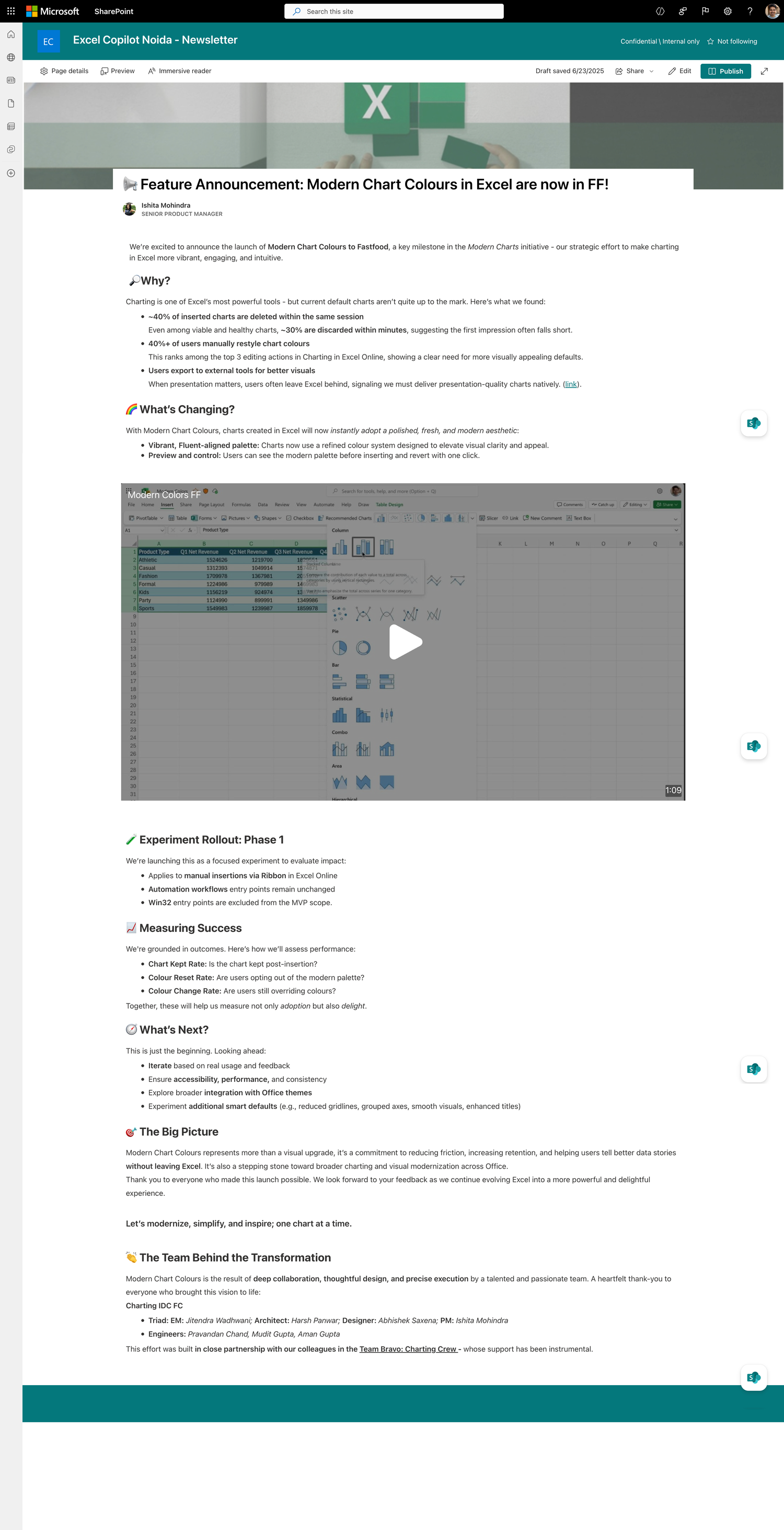
Excel charts looked embarrassingly outdated. about 40% users spent their first 30 seconds after inserting a chart manually changing colors — a clear signal that defaults were broken. As Lead Designer, I championed a deceptively simple but strategically critical fix: modernize the default color palette. This 'low-code' change delivered the highest ROI of any design intervention in FY25, achieving 96% acceptance and becoming the foundation for all subsequent AI-powered features.
 
Results Overview
96% Kept Modern Colors
40% → 0% Immediate Color Changes
8 weeks Concept to Ship
P0 Priority Classification
 

The Problem: First Impressions Were Killing Adoption

 
CRITICAL INSIGHT: The 'insert moment' was our one chance to make a good first impression. If charts looked bad immediately, users wouldn't stick around to discover the good features.
What Users Told Us
"These charts look like they're from 2003." — Enterprise User Study
"I can't show this to my manager. It looks unprofessional." — OCV Feedback
"First thing I do is change all the colors." — Power User Interview
 
The data was damning:
  • 40% of chart editors changed colors within the first minute of inserting a chart
  • Chart deletion rate spiked when users saw default output — they assumed it couldn't be fixed
  • Competitive benchmarking showed Google Sheets, Canva, and even PowerPoint had more modern palettes
  • NPS feedback explicitly mentioned 'ugly colors' as a top pain point
  • Users were leaving Excel for "better looking" tools
 
Why This Was a Strategic Problem
This wasn't just aesthetics — it was a crisis of credibility. If the first thing users saw looked outdated, they assumed:
  • Excel doesn't care about modern design
  • The charting feature is neglected/legacy
  • Competitors are more sophisticated
  • They should use a different tool for presentations
 
Business impact: Users weren't just unhappy—they were leaving the ecosystem.

The Trigger: Usage Was Flat and Low

With ~400M Excel users, charting usage should have been massive. It wasn't. Leadership made user adoption the #1 priority for FY25 charting investments.
The insight: The biggest drop-off happened at the "create" moment—not awareness, not customization. If we couldn't fix the first impression, nothing else mattered.

My Approach: Design as Strategic Leverage

 
With adoption as the north star, I asked: Where can design have the fastest, highest-impact win? When the team was debating priorities, most designers wanted to work on 'bigger' problems like AI recommendations or new chart types. I argued that modern colors should be P0 (highest priority) for four strategic reasons:
Criterion
Why This Mattered
Risk of NOT Doing It
1. Universal Impact
Every user who inserts a chart sees this. No discovery needed.
Other features only reach users who find them. Bad defaults reach everyone.
2. Low Execution Risk
6 hex codes. No AI, no new APIs, no complex UX flows.
AI features could get delayed. This couldn't fail.
3. Foundational
AI insights look better on modern charts. Design recommendations need good defaults to build on.
Shipping AI features on ugly defaults would waste their potential.
4. Measurable
Clear success metric: % who keep vs. revert to old colors
We'd never know if it worked without shipping and measuring.
The team bought in. By framing this as strategic leverage rather than 'just colors,' I got approval to make it our first P0 deliverable.
 

Hero JTBDs

 
When I insert a chart in Excel, I want it to look presentation-ready immediately, So that I can share insights with stakeholders without spending time reformatting.
 
When we ship chart improvements, We need the default visual foundation to be modern and credible, So that users trust the output, stay in Excel, and adopt advanced features (like future AI capabilities).

My Role: Senior Designer IC


What I Owned

  • End-to-end design leadership for Modern Colors feature
  • Stakeholder alignment across PM, Engineering, and Design leadership
  • Identifying the highest-leverage intervention within the adoption mandate
  • Fluent Design System integration — championed leveraging existing research instead of starting from scratch
  • Success metrics definition and measurement framework

The Stakeholder Challenge

Problem: "Modern colors" meant something different to everyone:
  • PMs wanted data-driven validation
  • Engineers wanted minimal code changes
  • Design leadership wanted Fluent alignment
  • Everyone had personal color preferences
 
My solution: Anchor all decisions to the Fluent Design System's pre-validated research. This transformed subjective debates ("I like blue") into objective discussions ("Fluent guidelines specify X for data visualization").

Design Process: Rigorous Constraints, Bold Choices


Phase 1: Research Validated the Direction

A compete audit of 30+ apps—spanning AI-powered tools (Napkin AI, Julius), design-focused platforms (Canva, Pitch), BI heavyweights (Tableau, Power BI), and direct competitors (Google Sheets)—confirmed the adoption mandate was right. The pattern was universal: modern tools win at the insert moment because their defaults look presentation-ready immediately. Users were leaving Excel not because it lacked features, but because the first impression failed.
 
Colors emerged as the clear winner: low effort, universal reach, immediate impact on every single chart.
 

Phase 2: Leveraging Fluent Design System

After initial hit and trail of creating various color schemes and failing, I leveraged the Fluent Design System team's existing work, instead of creating new color research from scratch. What I got -
  • Pre-built color tokens, direct implementation handoff
  • High contrast, accessibility first color palette made specifically for Charts
  • Future ready with M365 ecosystem alignment
  • Eliminated subjective debates
 
Phase 3: Rapid Prototyping & Internal Testing
I created 8 candidate palettes and tested them with:
  • Designers & PMs — Gut reaction test: 'Would you present this as-is?' Majority said YES to new palette, NO to old
  • Accessibility experts — Ran contrast ratio calculations and colorblind simulations
  • Real-world data — Swapped palettes in actual user workbooks to see if charts 'popped' more
 
Phase 5: Internal Validation
Testing Protocol:
Test
Audience
Method
Result
Gut reaction
Designers & PMs
"Would you present this as-is?"
90%+ YES for new palette
Accessibility audit
A11y experts
Contrast ratios, colorblind simulations
Passed all criteria
Real-world data
Internal dogfood
Swapped palettes in actual user workbooks
Charts "popped" more
Stakeholder review
Leadership
Side-by-side comparison presentation
Unanimous approval
Working with Engineering, we:
  • Created toggle for opt-out — Users could revert to document theme if needed (but we bet they wouldn't)
  • Instrumented telemetry — ChartInserted, ChartColorChanged, ChartDeleted events to measure adoption
  • Staged rollout — Dogfood → Fast Ring → Slow Ring → GA (caught zero critical bugs)
  • Communicated internally — Team newsletter, leadership reviews to build momentum
 
Phase 5: Implementation & Rollout Strategy
Working with Engineering, we:
  • Created toggle for opt-out — Users could revert to document theme if needed (but we bet they wouldn't)
  • Instrumented telemetry — ChartInserted, ChartColorChanged, ChartDeleted events to measure adoption
  • Staged rollout — Dogfood → Fast Ring → Slow Ring → GA (caught zero critical bugs)
  • Communicated internally — Team newsletter, leadership reviews to build momentum
 

Results: A Quiet Revolution

Quantitative Impact

✅  96% retention of modern colors
✅  Only 4% of users opted back to old theme — crushing validation of the design
✅  40% → near 0% immediate color changes
✅  The single most common post-insert action — gone. Users accepted defaults.
✅  Slight uptick in chart retention
✅  Fewer charts deleted immediately after insertion — users trusted the output
✅  8 weeks from concept to GA
✅  Fastest major design change shipped in FY25 — proof that constraints breed speed

Qualitative Impact

👩🏼 "Finally! Excel charts look modern." — Power User Feedback
👨🏻 "I can actually use these in client presentations now." — Enterprise Customer
👨🏽‍🦱 "Didn't even notice it changed, it just looks better." — Casual User (Best Compliment)
The last quote is key — the best design improvements are invisible. Users didn't notice the change; they just felt charts were better.

Strategic Impact

  • Proved the adoption funnel framework — Quick wins at 'insert moment' unlocked investment in AI features
  • Reset credibility — External perception shifted from 'Excel charts are ugly' to 'Excel is modernizing'
  • Foundation for AI features — Insights and recommendations now land on beautiful charts, amplifying their impact
  • Influenced org culture — Became case study for 'constraint-based design' in team training

Key Learnings: When to Fight for Small Changes

What I'd Do Differently
  • Test with more diverse user segments earlier — Focused on power users; should have validated with casual users sooner
  • Run A/B test before full rollout — We were confident, but data from controlled experiment would have been valuable
  • Document design system rationale better — Future designers need to understand WHY these specific hex codes
 
What Worked Brilliantly
  • Framing as strategic, not cosmetic — Got leadership buy-in by tying to adoption metrics
  • Internal validation before user testing — Team consensus built confidence to ship fast
  • Accessibility-first constraints — Forced rigor that resulted in objectively better design
  • Opt-out escape hatch — Gave us confidence to be bold; almost nobody used it

The Bigger Lesson

Sometimes the most impactful design work is deceptively simple. Six hex codes changed perception of an entire product for 400M users. The hard part wasn't picking colors — it was:
  • Recognizing this was the highest-leverage intervention
  • Convincing stakeholders to prioritize it over flashier features
  • Executing with enough rigor to avoid mistakes
  • Measuring impact to prove it worked
That's the essence of Principal-level design: knowing when to sweat the details that seem small but change everything.
notion image
badge